Perfect Your Prompts Before Sending to ChatGPT
Fix your grammar and clarify your thoughts in one click. Give ChatGPT a crystal-clear prompt to get better, more accurate results every time.
Free to install from the Chrome Web Store
Before
hello im writing to ask about the report deadline can you extend it by 2 days because our team need more time
Correcting grammar and clarity...
After
Hello, I'm writing to ask about the report deadline. Can you extend it by two days? Our team needs more time.
The problem
Your message is good. The mistakes get in the way.
One Shot Fix cleans up small mistakes before you send, without turning your text into something else.
What it fixes
Clean up your writing without losing your voice
One Shot Fix is for the text you already wrote. It removes the mistakes, keeps the message, and makes it ready to send.
One Shot Fix
Correction preview
Before
can you check this prompt and make it more clear i need better answer from chatgpt
After
Can you check this prompt and make it clearer? I need a better answer from ChatGPT.
Fix grammar, spelling, and punctuation
Clean up the obvious mistakes without changing what you wanted to say.
Make prompts easier for ChatGPT to understand
Turn rough instructions into clear requests before you hit send.
Keep your tone and intent
Your casual message stays casual. Your professional note stays professional.
Correct text in one click
No copy-paste workflow, no separate writing app, no extra tabs.
Works where you already type
Use it in ChatGPT, Gmail, LinkedIn, messages, documents, forms, and more.
Popular correction tools
Precise grammar correction for the way you already write
Explore focused use cases for correction without paraphrasing, prompt rewriting, or unnecessary tone changes.
Grammar checker without rewriting
Use One Shot Fix as a grammar checker without rewriting your message. Fix spelling, punctuation, and clarity while keeping your original wording.
Fix grammar without changing meaning
Fix grammar without changing meaning. One Shot Fix corrects writing while preserving your tone, intent, and original message.
Grammar checker for ChatGPT prompts
Correct ChatGPT prompts before sending. One Shot Fix improves prompt grammar and clarity without rewriting your request.
Email grammar correction without rewriting
Correct email grammar, spelling, punctuation, and clarity without changing your tone. One Shot Fix helps emails sound cleaner but still like you.
Professional writing correction tool
Correct professional writing without unnecessary rewriting. One Shot Fix improves grammar, clarity, and punctuation while preserving your voice.
Chrome grammar extension for precise correction
Install One Shot Fix, a Chrome grammar extension for correcting text without unnecessary rewriting. Fix prompts, emails, and messages in your browser.
Writing guides
Learn how to correct writing without losing your voice
Practical guides for preserving meaning, cleaning up prompts, and choosing grammar tools that do not over-rewrite your text.
8 min read
How to Fix Grammar Without Changing Meaning
A practical guide to cleaning up grammar while keeping the original idea intact.
8 min read
Grammar Checker That Doesn't Rewrite Your Text
Why some writing tools over-edit, and how correction-first grammar checking solves a different problem.
8 min read
What to Do When Grammarly Changes Your Tone
A careful look at tone-preserving correction for people who do not want every sentence rewritten.
8 min read
How to Use a Grammar Checker for ChatGPT Prompts
Cleaner prompts can help ChatGPT understand what you want faster.
8 min read
How to Correct Sentences Without Paraphrasing
A simple method for sentence correction that avoids unnecessary paraphrasing.
9 min read
Best Grammar Checker for Professionals Who Want Control
What professionals should look for when choosing a grammar correction tool.
Demo
Fix messy writing before you send it
One Shot Fix corrects grammar, spelling, and punctuation while keeping your original meaning.
Before
Needs cleanupgive me a 7 day meal plan for busy student who dont cook much include cheap ingredients and make it healthy
After
Ready to sendGive me a 7-day meal plan for a busy student who doesn't cook much. Include cheap ingredients and make it healthy.
Same message. Better grammar. Cleaner punctuation.
Use cases
Not just for prompts. For everything you type.
Whether you are asking ChatGPT a question, sending an email, writing a quick message, or polishing a document, One Shot Fix helps you send cleaner text with less hesitation.
Compare
Unlike AI writers, One Shot Fix does not take over your text.
Your writing stays yours. One Shot Fix just fixes what is wrong.
Fixes grammar
Preserves meaning
Avoids unnecessary rewriting
Works fast
Built for ChatGPT prompts
Keeps your voice
How it works
Fix text in three simple steps
Type your prompt or message
Write naturally in ChatGPT, Gmail, LinkedIn, or any text field. Don't worry about typos, grammar, or clarity — just get your thoughts down.
Your raw text
pls review the doc i sent yesturday and let me know if theres anything missing
Rough, unpolished, but the meaning is there.
Open One Shot Fix
Click the extension icon in your Chrome toolbar. One Shot Fix instantly corrects grammar, spelling, punctuation, and improves clarity — without rewriting your message.
Before
pls review the doc i sent yesturday and let me know if theres anything missing
After
Please review the document I sent yesterday and let me know if there's anything missing.
Apply the corrected version
Review the fix and apply it with one click. Your message is now clean, professional, and still entirely yours.
Corrected
Please review the document I sent yesterday and let me know if there's anything missing.
Same message. Same voice. Just clean and correct.
User feedback
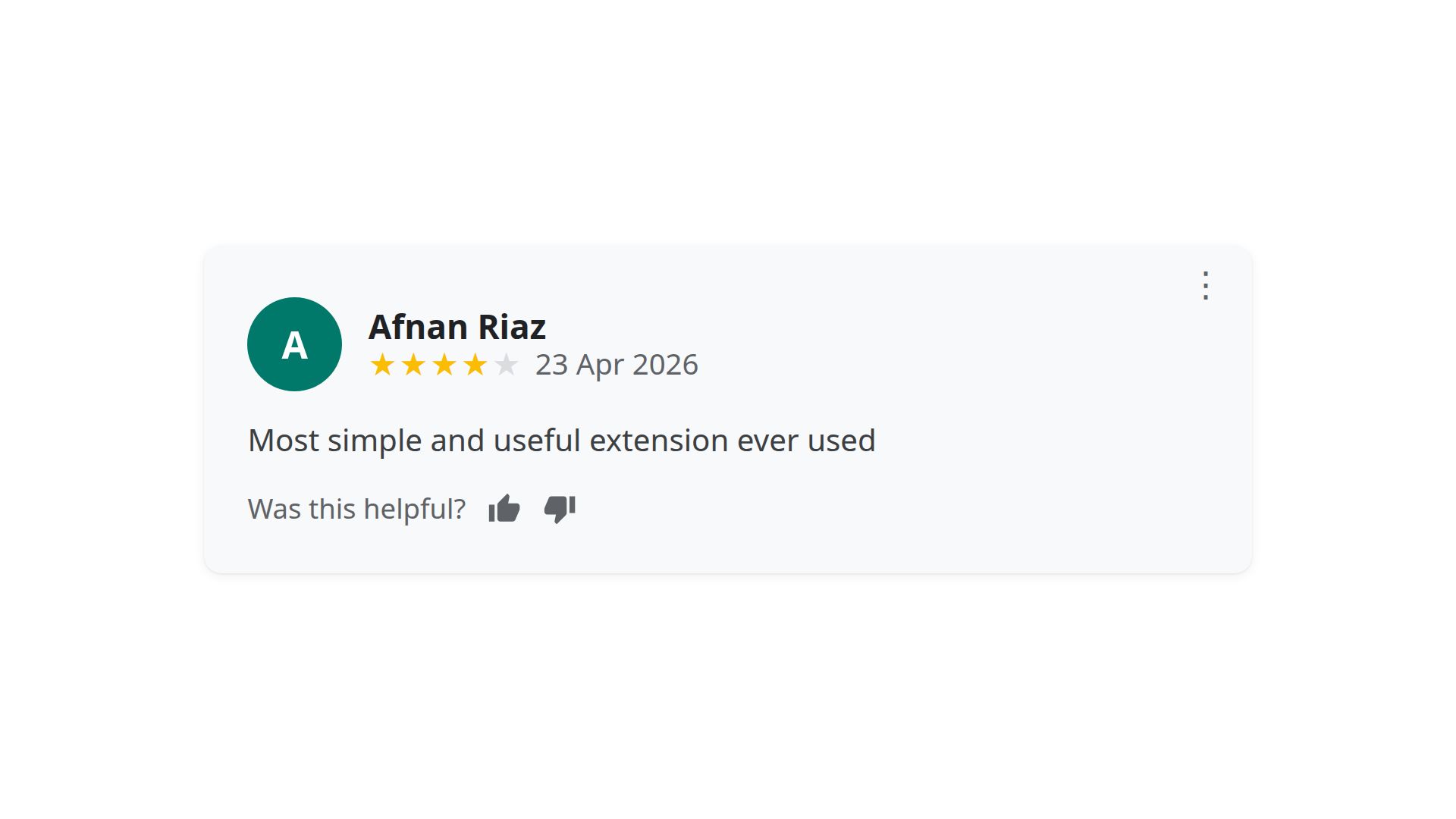
Real Chrome Web Store feedback
See what early users shared after trying One Shot Fix.
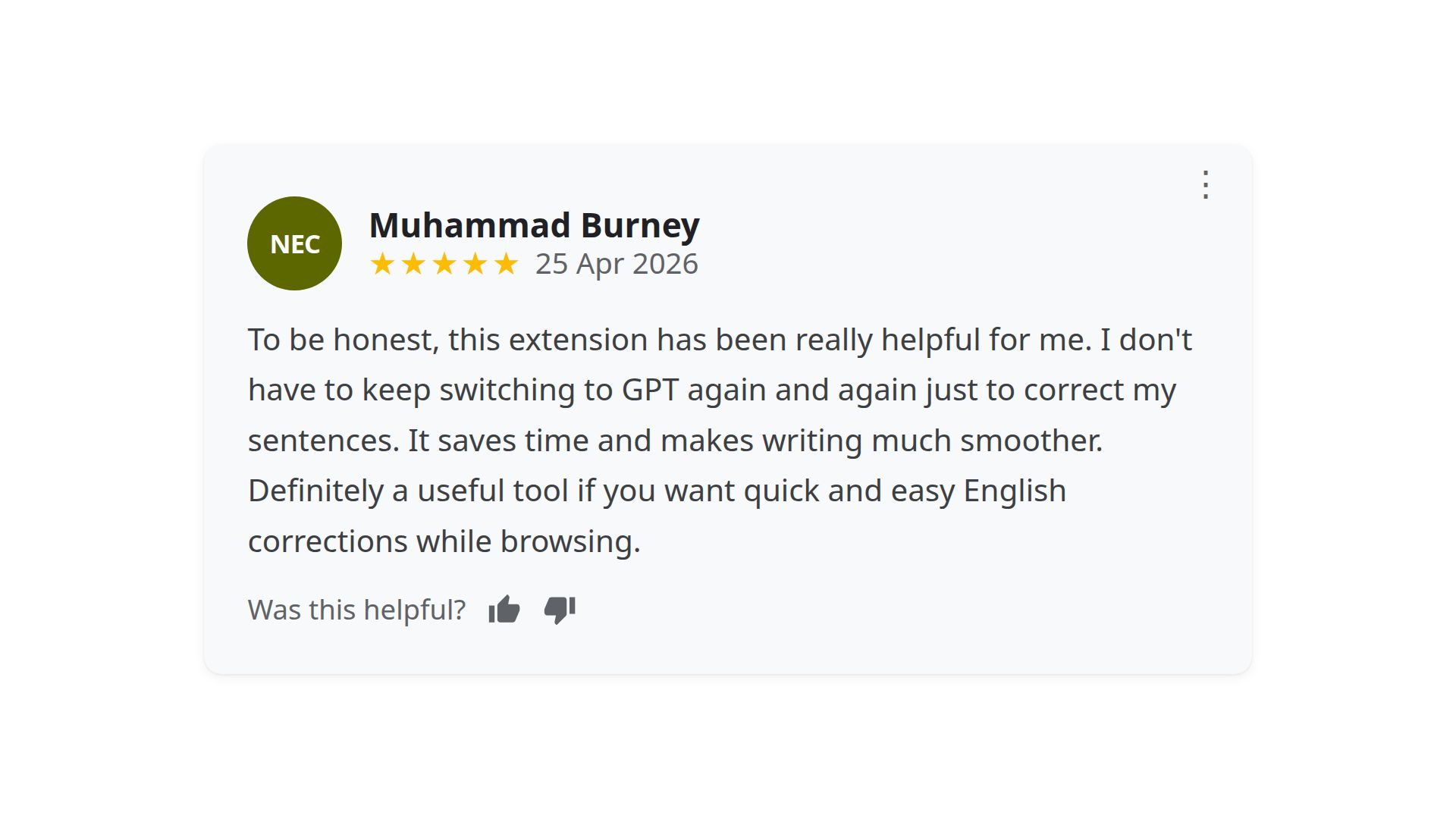
Why it feels different
A correction tool for people who already know what to say
Most AI tools try to take over the writing. One Shot Fix stays in its lane: it cleans up what is wrong and leaves the message yours.
It does
It does not
Fix the sentence, not the personality
One Shot Fix corrects spelling, grammar, punctuation, and awkward phrasing while keeping your wording recognizable.
Make prompts easier to answer
Cleaner prompts help ChatGPT understand the request faster, so you get a better response without rewriting your whole idea.
Keep casual text casual
A quick message should not become a corporate memo. The fix keeps the same tone and only removes the mistakes.
Use it where the mistake happens
Correct text directly in Chrome across prompts, emails, messages, documents, forms, and everyday text boxes.
Simple promise
Your writing stays yours. One Shot Fix just makes it clean.
Frequently asked questions
What is One Shot Fix?
Can I use it with ChatGPT?
Does it rewrite my text?
Can I use it for emails and messages?
Is One Shot Fix free?
How is it different from Grammarly?
Write naturally. Send confidently.
Correct prompts, emails, messages, and more without losing your voice.
Free to install from the Chrome Web Store